Short answer
Husk runs Android apps and games on an iPhone, without the App Store. It is by Leviidev, needs iOS 15.5 or later, and you sideload it yourself. Version 3.4 came out on 5 November 2026. You supply your own APKs. We have not tested it ourselves.
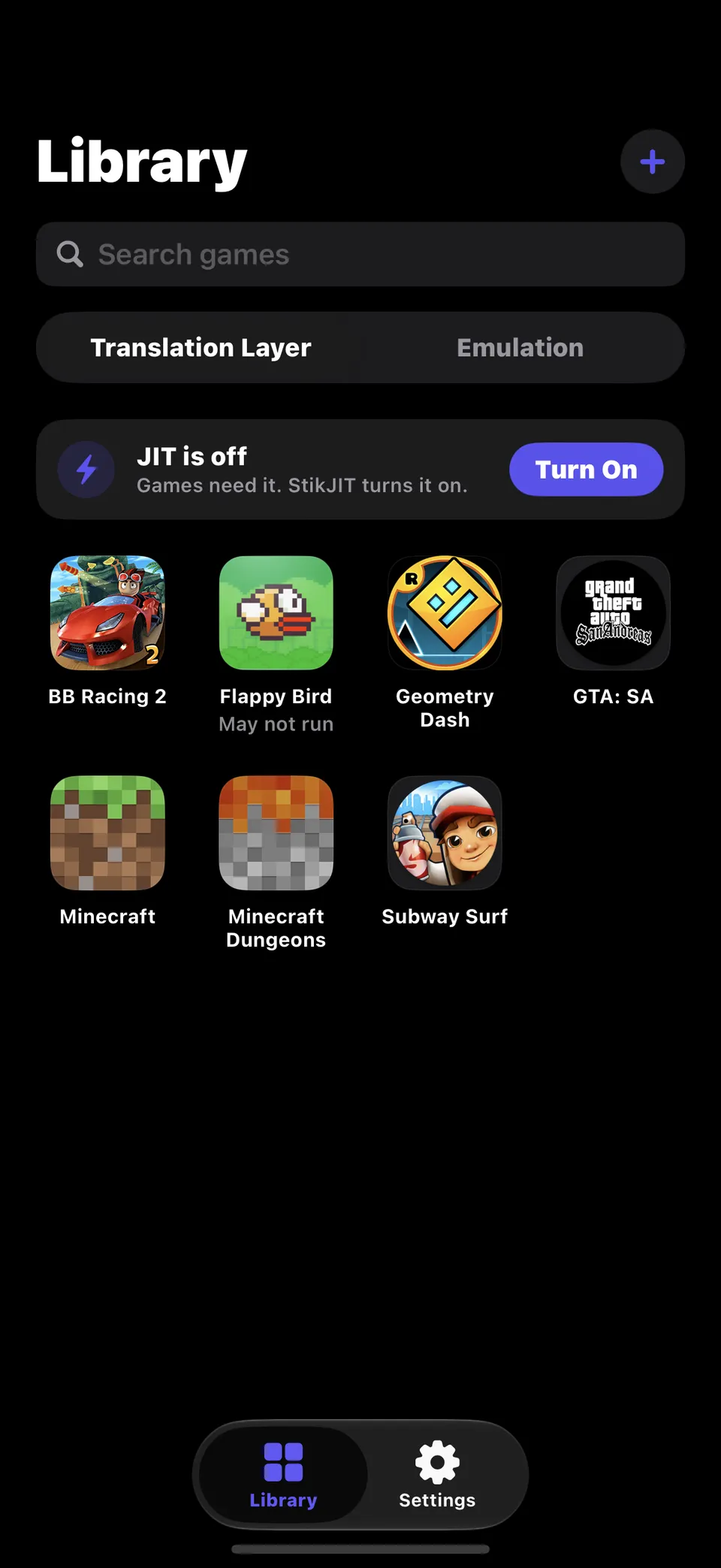
The project had about 3,070 stars on 6 November 2026, and its README shows GTA: San Andreas and Minecraft Dungeons running.
How it works
- Translation layer: the game’s own 64-bit Android code runs on the iPhone, and Husk stands in for Android around it (C library, Java, graphics, audio and input). There is no Android boot.
- Emulation: a full LineageOS guest under QEMU, for apps the translation layer cannot run yet.
The README also lists a PS4 feature for packages and game folders on iOS 17.4 or later. We do not cover that feature, and we link no packages.
How to install it
- Follow the official install guide, or get
Husk.ipafrom the official releases page. - Sideload it with SideStore, AltStore or TrollStore.
- Set up JIT for games, or the project’s Play without JIT option.
- Add an APK and tap it.
Is it safe and legal?
Husk is open source under GPL-2.0-or-later. Sideloading has limits that depend on your Apple ID and tool, and this is not an Apple-approved app. Only run apps and games you have the right to use. An APK from an unknown site can be malware or a pirated copy, and we link none. We have not audited Husk.
From the same author, Henge runs macOS on iPhone and iPad. For native game ports on Android instead, see Recompa. For Switch games on iPhone, see nxnative.
FAQ
What is Husk?
An unofficial iPhone app by Leviidev that runs Android apps and games. You add an APK, tap it, and it opens full-screen.
How does Husk work?
It has two modes. A translation layer runs a game's own 64-bit Android code on the iPhone, with Husk standing in for Android, so a game starts in seconds. For apps that cannot run that way, it boots a full LineageOS guest under QEMU.
Is Husk on the App Store?
No. It links QEMU under GPLv2, which the project says means it cannot go on the App Store. You sideload it with SideStore, AltStore or TrollStore.
Do I need JIT for Husk?
Games need JIT, or the project's "Play without JIT" setup, which uses the certificate that installed Husk. Its install guide explains both.
Which iPhones does Husk support?
iOS 15.5 or later, according to the README. The project keeps its own compatibility page, and we have not tested any game ourselves.
Does Husk come with games?
No. You add your own APK. Use apps and games you have the right to use, and be careful where an APK comes from.
Unofficial. This page is written by an independent directory. It is not made by, endorsed by or affiliated with Various or Leviidev (Husk (Android apps and games on iPhone)'s author). We do not host any files, and we never link to game files, ROMs or ISOs.
Sources
This page was last updated on Nov 7, 2026. A date after a source is the day we read it. Versions and steps follow the official project; if they differ, the official source wins.
More ports
More mod platforms and private servers, or the full list of ported games.