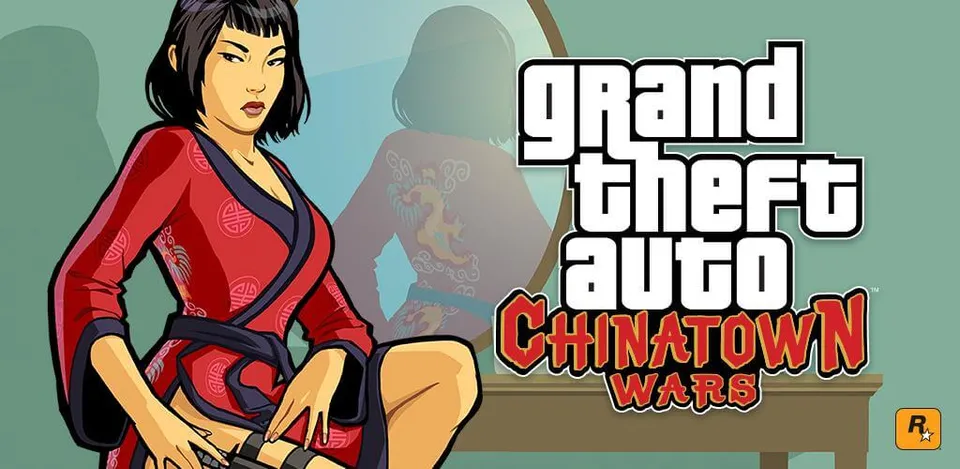
GTA: Chinatown Wars Web is a web page that runs the PSP version of Grand Theft Auto: Chinatown Wars (2009) in a browser tab. You do not need your own game files: the page downloads a PSP disc image of the game from its own server, about 900 MB, the first time you start it. It works on desktop browsers and has touch controls for phones. The site was working when we checked on 21 October 2026.
What it is
This is emulation, not a port. The page is a ready-made copy of PPSSPP Web, a browser shell by the GitHub user root-hunter that runs ppsspp-wasm, root-hunter’s WebAssembly build of the open-source PSP emulator PPSSPP. The page credits both projects and the original PPSSPP.
On top of that shell, whoever deployed this page added one thing: a fixed link to a PSP disc image of Chinatown Wars, served from a separate Cloudflare relay. The page’s own config says the image is kept as a GitHub release file and is not part of the site code. The page names no author and no repository for this build, so we could not confirm who runs it. The relay’s name suggests it was set up around 11 October 2026.
Chinatown Wars first came out on the Nintendo DS in 2009; the PSP version followed later that year with sharper graphics, extra missions and more radio music. The browser page runs the PSP release only.
What it can do
- The PSP game in a tab: the emulator is compiled to WebAssembly, so nothing is installed.
- Saves in your browser: the game image and save data are kept in the browser’s private storage (OPFS), so later starts load from there. Save slots can be exported and imported as PPSSPP save folders.
- Keyboard, controller or touch: the page has controller selection and an on-screen PSP pad with d-pad, face buttons and shoulder buttons.
- Install as an app: it can be added to the desktop or home screen.
- PPSSPP settings: graphics options such as anisotropic filtering come from PPSSPP itself.
What you need
- A current browser with WebAssembly and SharedArrayBuffer. Chrome or Edge are the safest choice.
- About 900 MB of download for the game image, and room in your browser storage to keep it.
- A keyboard, a controller or a touch screen.
You do not need a PSP, a disc or a BIOS file.
Is it safe and legal?
- It is an unofficial third-party page. Grand Theft Auto belongs to Rockstar Games and Take-Two Interactive, who have not endorsed it. The game was developed by Rockstar Leeds and Rockstar North.
- The emulator is open source (PPSSPP is GPL-licensed), but the game image the page serves is copyrighted. The PSP and DS releases are no longer sold; the iOS and Android versions are the official way to buy the game today.
- We only link the page itself. Nothing is installed on your computer.
Related
For a native PC version of another Rockstar PSP game, see GTA Liberty City Stories PC port. For GTA in the browser, see GTA Vice City WASM and GTA 3 in the browser.
Not working?
- It stops at the loading screen: the first start downloads about 900 MB. Wait, and keep the tab open.
- “SharedArrayBuffer” or cross-origin errors: update your browser or switch to Chrome or Edge.
- Saves are gone: clearing site data removes the game image and saves. Export your saves from the storage panel first.
- On a phone: rotate to landscape, as the page asks.
- It will not load at all: the page or its game relay may be down; check back later.
FAQ
Can you play GTA Chinatown Wars in a browser?
Yes. A web page runs the PSP version of GTA Chinatown Wars in a browser tab through a WebAssembly build of the PPSSPP emulator. It was up when we checked on 21 October 2026.
Do I need my own copy of Chinatown Wars to play it online?
No. The page downloads a PSP disc image of the game from its own server, about 900 MB, so you do not pick any files. The game is still a commercial Rockstar product and this page is not official.
Is this a PC port or a remake of Chinatown Wars?
Neither. It is the original PSP game running in an emulator (PPSSPP) that has been compiled for the browser. Nothing in the game itself was rebuilt or changed.
Does GTA Chinatown Wars in the browser work on phones?
The page has on-screen touch buttons and asks for landscape mode, so it is built with phones in mind. We have not tested how well it runs on a phone.
Who made the GTA Chinatown Wars browser version?
We could not confirm. The page gives no author. It is built on PPSSPP Web by the GitHub user root-hunter, which the page credits, on top of the PPSSPP emulator by Henrik Rydgård and contributors.
Unofficial. This page is written by an independent directory. It is not made by, endorsed by or affiliated with Rockstar Games or Unnamed deployer (built on root-hunter's PPSSPP Web) (GTA: Chinatown Wars Web (PSP version in the browser)'s author). We do not host any files, and we never link to game files, ROMs or ISOs.
Sources
Facts on this page were checked against these official sources on Oct 26, 2026. Versions and steps follow the official project; if they differ, the official source wins.
More ports
More browser game ports you can play in a tab, the newest ports added this week, or the full list of ported games.
Every GTA port in one place, with what still works: GTA in your browser and on PC.